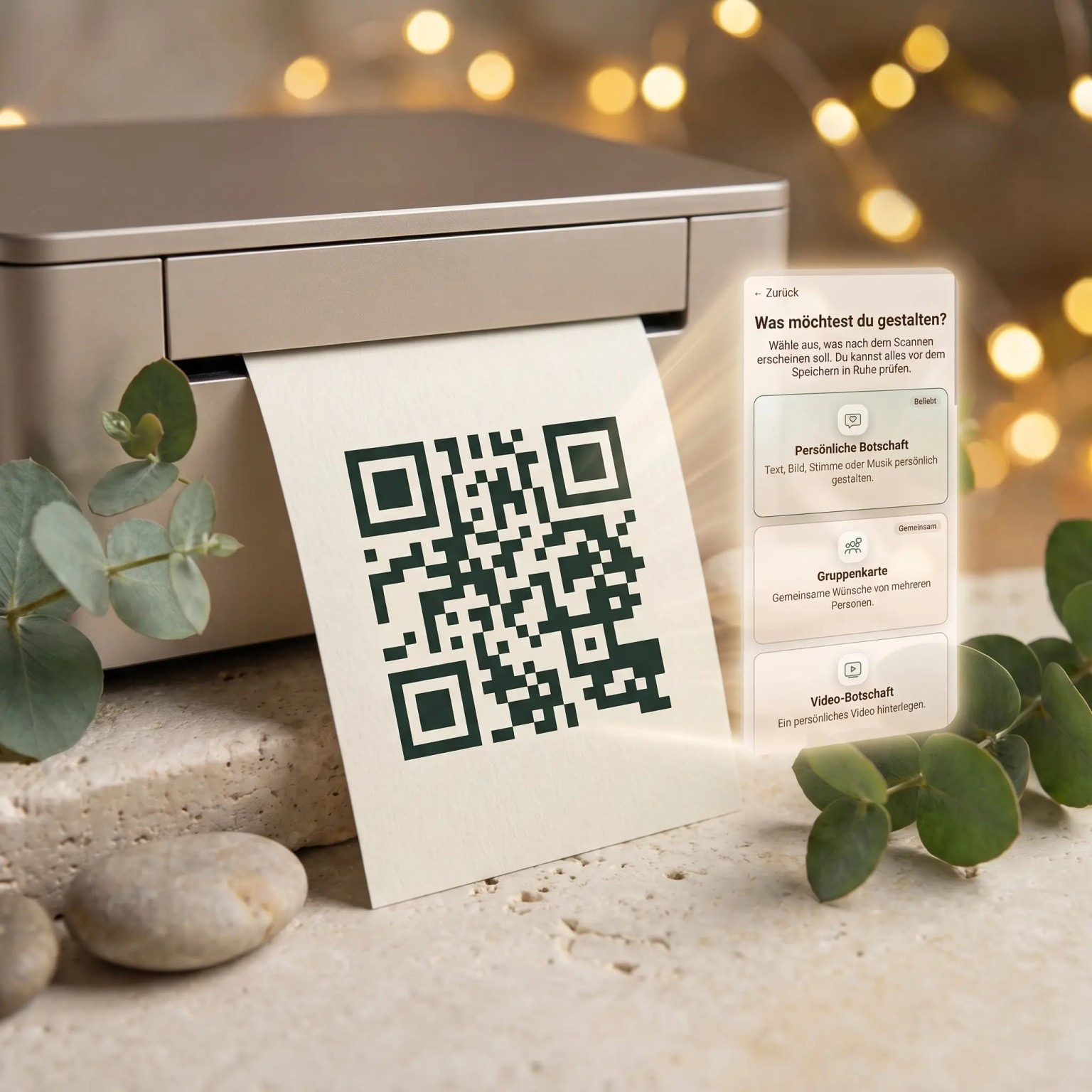
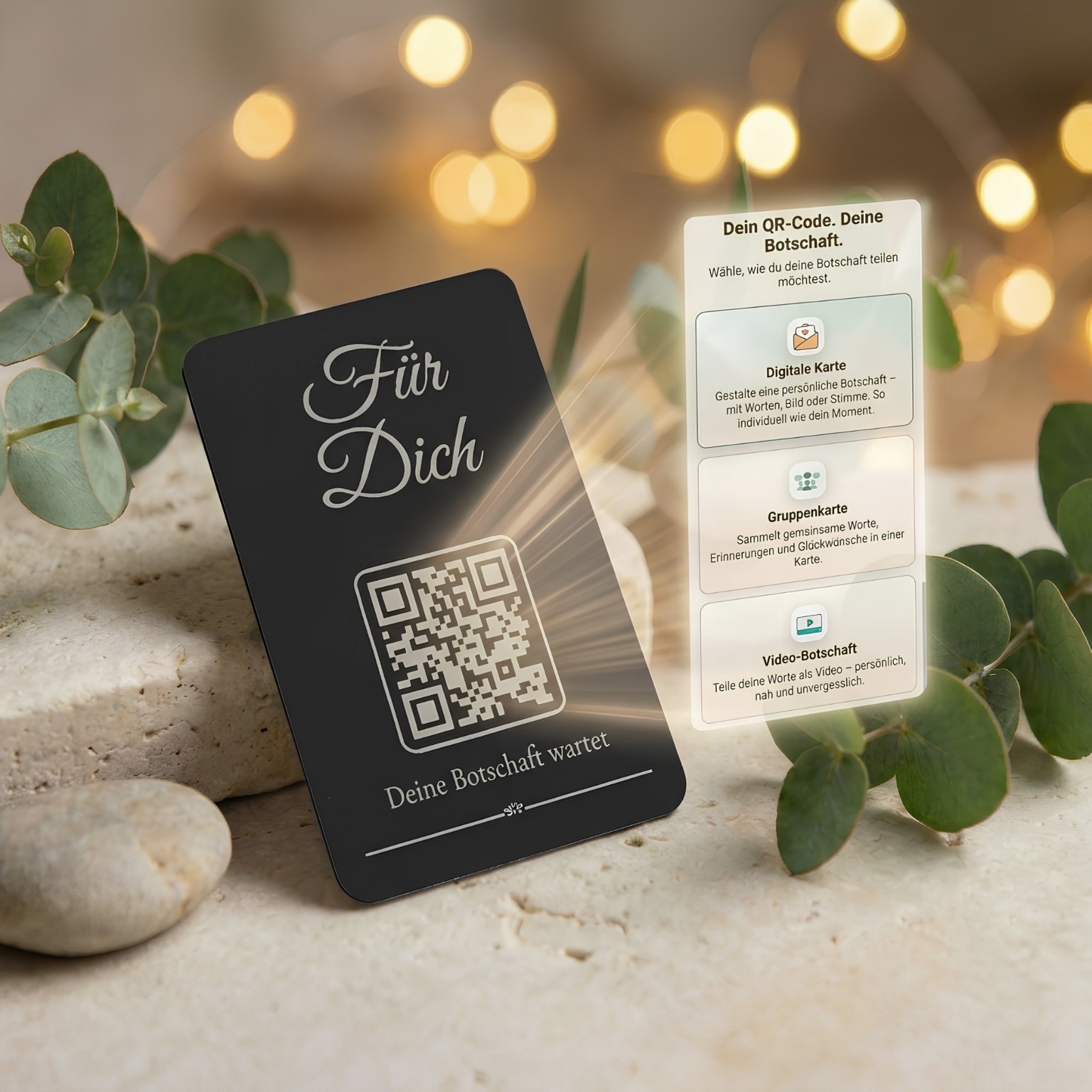
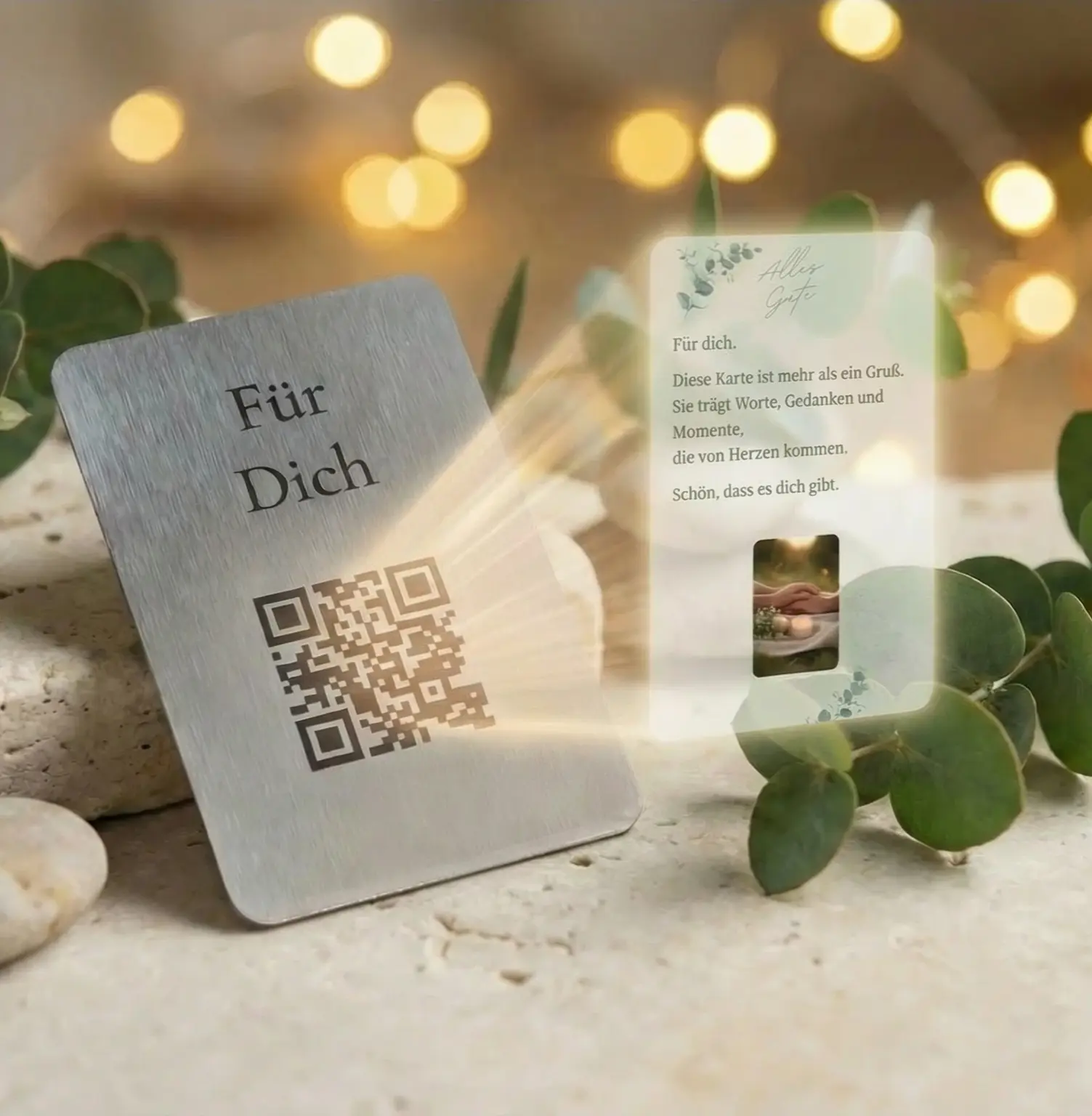
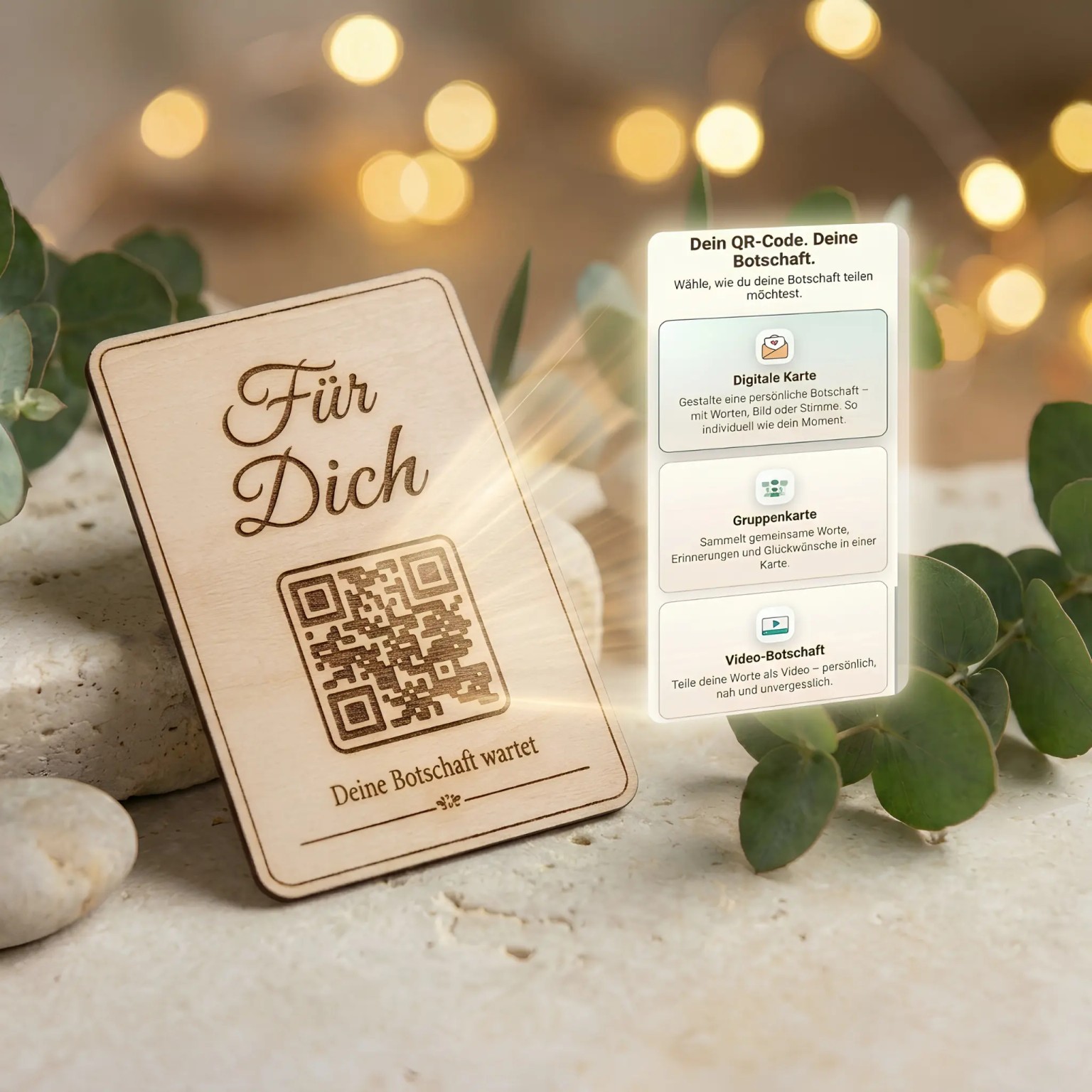
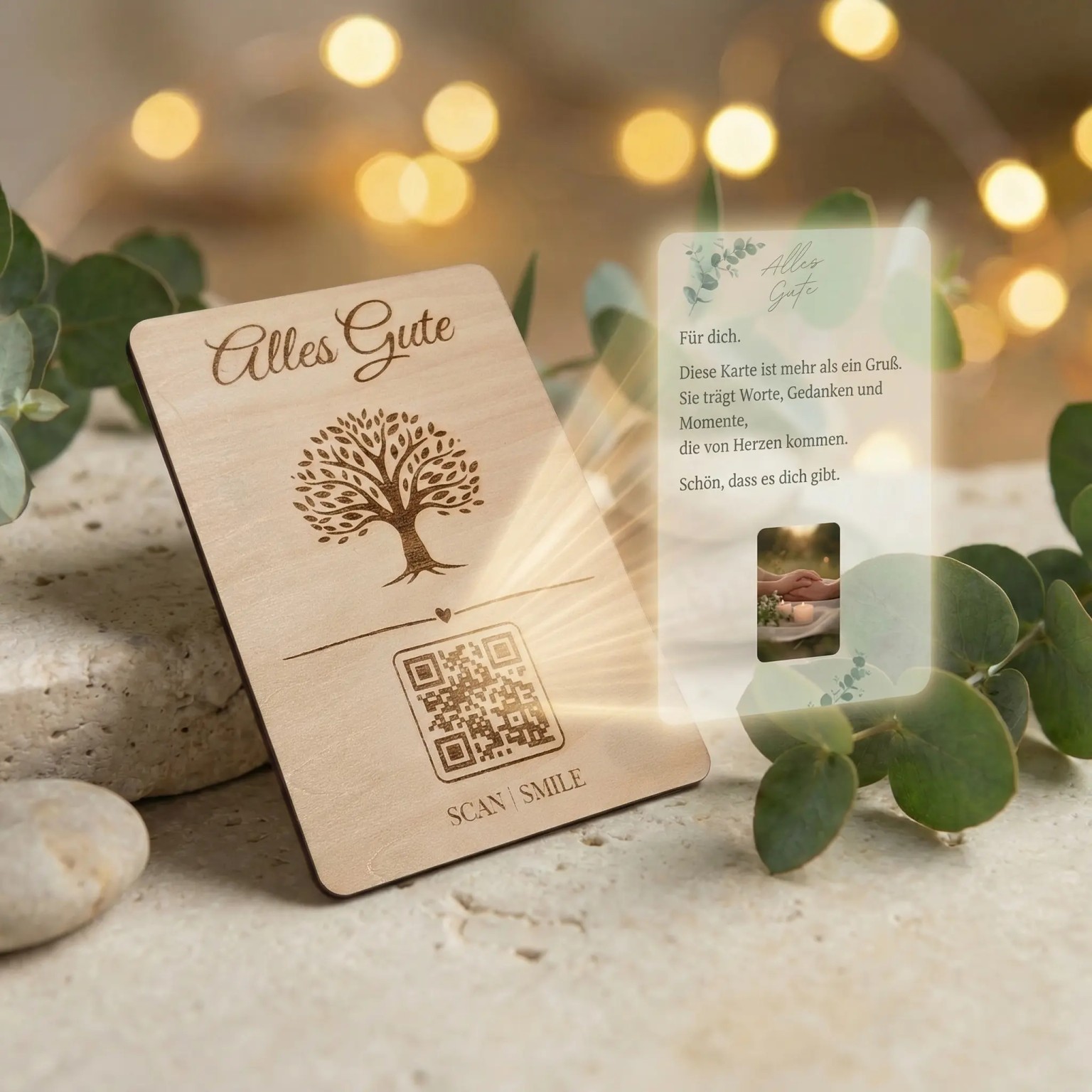
You receive a personal Monvou QR code as SVG, high-resolution PNG and QR PDF, including 25 starting credits for its digital content. It is a digital download: no physical card, printing service or complete greeting-card template is included.
Before purchase, choose the Monvou look or a neutral QR version using a sample preview. Your personal QR files become available after confirmed payment. Add them to your own card, tag or packaging design and print them yourself.
The printed QR always opens your personal Monvou page. You create the message separately in Monvou. To connect an existing album, playlist or website, choose the digital “Personal link” option there; this does not change the printed QR.
How Monvou works
From preview to your personal QR
Before purchase, you design calmly with a sample QR. Your real Monvou code is created only after payment is confirmed.
1
Choose your QR design
Create the preview with a clearly marked sample QR – without a personal code yet.
2
Pay securely
Your personal Monvou QR code is prepared after payment is confirmed.
3
Download & create your moment
Your real QR is available on the protected order page as SVG, PNG and PDF; 25 starting credits are included.
Digital options
A message that fits the moment
Choose what your personal Monvou QR code opens when you set up the message. You do not need to decide when buying.
Text & image
Create personal words with a matching image.
Group card
Collect shared wishes from several people.
Video message
Add a personal video.
Audio message
Record a voice message or upload a personal audio file.
Protected surprise
Store a voucher, code, file or small surprise securely.
Personal link
Open an album, playlist, website or chosen destination.
The smartphone views shown illustrate the later digital Monvou moment. Digital products do not include a physical item for shipping.
Do not crop or distort the QR code or cover its quiet zone. Observe the minimum print size.
Care instructions
Run a scan test with the final material and print process before production.
Digital service
Functionality and minimum availability
Activation
After confirmed payment and preparation, your personal QR files become available on the protected order page. Open your personal Monvou code to create the digital message separately. You arrange your own layout and printing; no physical item is delivered.
Available functions
Choose text & image, an audio message, a video message, a group card, a protected surprise or a personal link. Group cards support up to 30 text or image contributions. Available protection and timing settings depend on the selected option; these are separate settings.
Technical requirements
An internet connection and a current browser with a camera or QR-scanning function are required. No additional app is generally required.
Minimum availability
10 years from first activation
Updates and security
Necessary security and compatibility updates are provided during the promised minimum availability period, insofar as they are required for the agreed use.
Frequently asked questions
Questions about the product and QR code
What do I get after purchase?
After payment is confirmed, your personal Monvou QR is available as SVG, high-resolution PNG and PDF on the protected order page. 25 starting credits for the digital content are included. No physical card or complete greeting-card template is supplied.
Can I design a whole card here?
Here you choose the Monvou or Classic QR look. Add the downloaded files to your own card, tag or packaging design. Create the personal digital message separately through Monvou.
Do I need an app?
No. Design, download and later use of the Monvou moment all work directly in the browser.
Can I change the message behind the QR later?
You can edit your message or replace its content while keeping the same QR code. Replacing content can permanently delete the previous content, so keep your own copies. Depending on the action, credits may be required; the amount is shown when creating your message in Monvou.
What are the 25 starting credits for?
The 25 starting credits are a balance for creating your digital Monvou moment and are assigned to your new code. They are not a shop gift voucher. Check the credits required for an action when creating in Monvou; additional credits can be purchased for an existing code.